
Download 4VideoSoft MTS Converter – MTS to MP4, MTS to 3GP, HD video converter
Overview
4VideoSoft MTS Converter is a specialized video conversion utility designed to transform MTS files—commonly recorded by HD camcorders—into widely supported formats such as MP4, MPG, and 3GP. The app addresses a common challenge faced by users who capture high-definition footage but struggle to play or share it across different devices. By converting MTS files into universally compatible formats, the software enables seamless playback on smartphones, tablets, and media players. Its target audience includes amateur videographers, content creators, and anyone managing HD video archives from legacy camcorder recordings.
The software was developed by 4VideoSoft, a company known for media conversion tools, though specific details about the company’s background were not provided. Real-world use cases include preparing wedding videos for family sharing, trimming long recordings for social media, or archiving personal footage for long-term storage. In the broader app ecosystem, 4VideoSoft MTS Converter fills a niche for legacy video format support, offering a dedicated solution for a specific file type that many general-purpose converters overlook. Despite its age, the app remains relevant for users still working with MTS files from older camcorder models.
Key Features & Functionality
- MTS to MP4, MPG, and 3GP Conversion: The core functionality allows users to convert MTS files into MP4, MPG, and 3GP formats, ensuring compatibility with a wide range of devices and platforms.
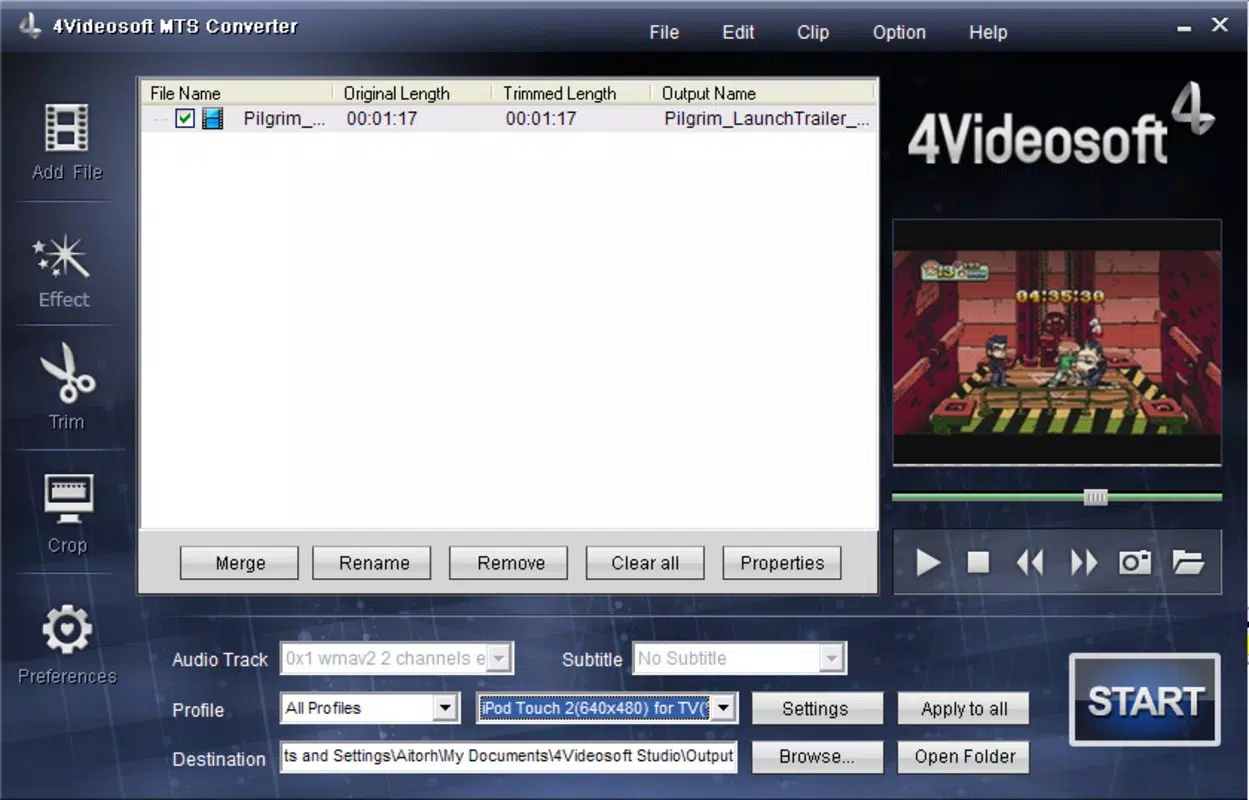
- Device-Specific Output Profiles: The app includes optimized presets for popular devices such as iPhones, iPods, and PSPs, simplifying the process of selecting the correct format for each target device.
- Video Editing Tools: Users can merge multiple video clips, crop unwanted sections, and extract specific segments before conversion, enabling personalized video compilation and trimming.
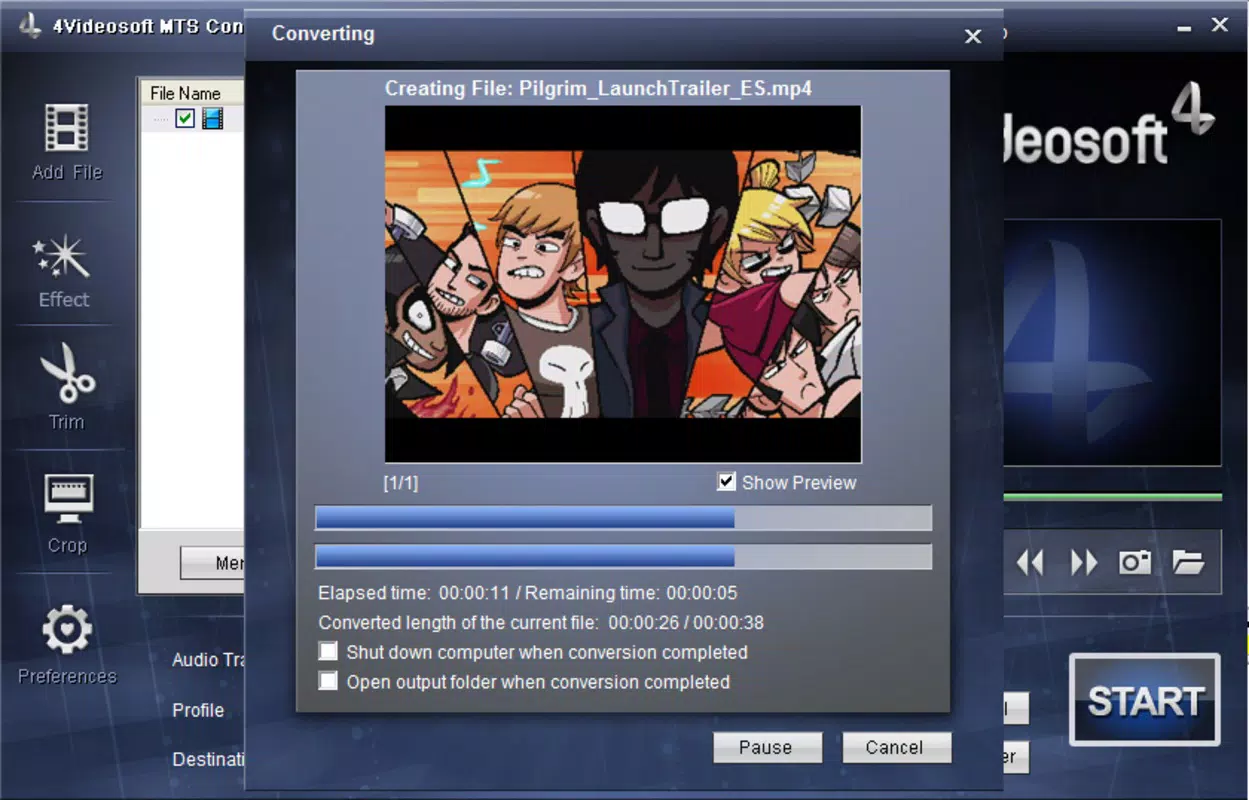
- Fast Processing Speed: The converter is designed to deliver rapid conversion times, reducing wait periods and allowing users to quickly access their edited or converted videos.
- Multi-Format Support: Beyond MTS, the software supports AVI, MPG, MP4, and 3GP, making it a versatile tool for various video and audio conversion needs.
For example, a user can import a long MTS recording from a camcorder, crop out unwanted scenes, merge two clips into a single video, and export the result as an MP4 file suitable for uploading to YouTube. This workflow demonstrates how the app streamlines post-production tasks for non-professional users. The inclusion of editing features adds value beyond simple format conversion, positioning the app as a lightweight yet functional video processing tool.
Interface, UX & Performance
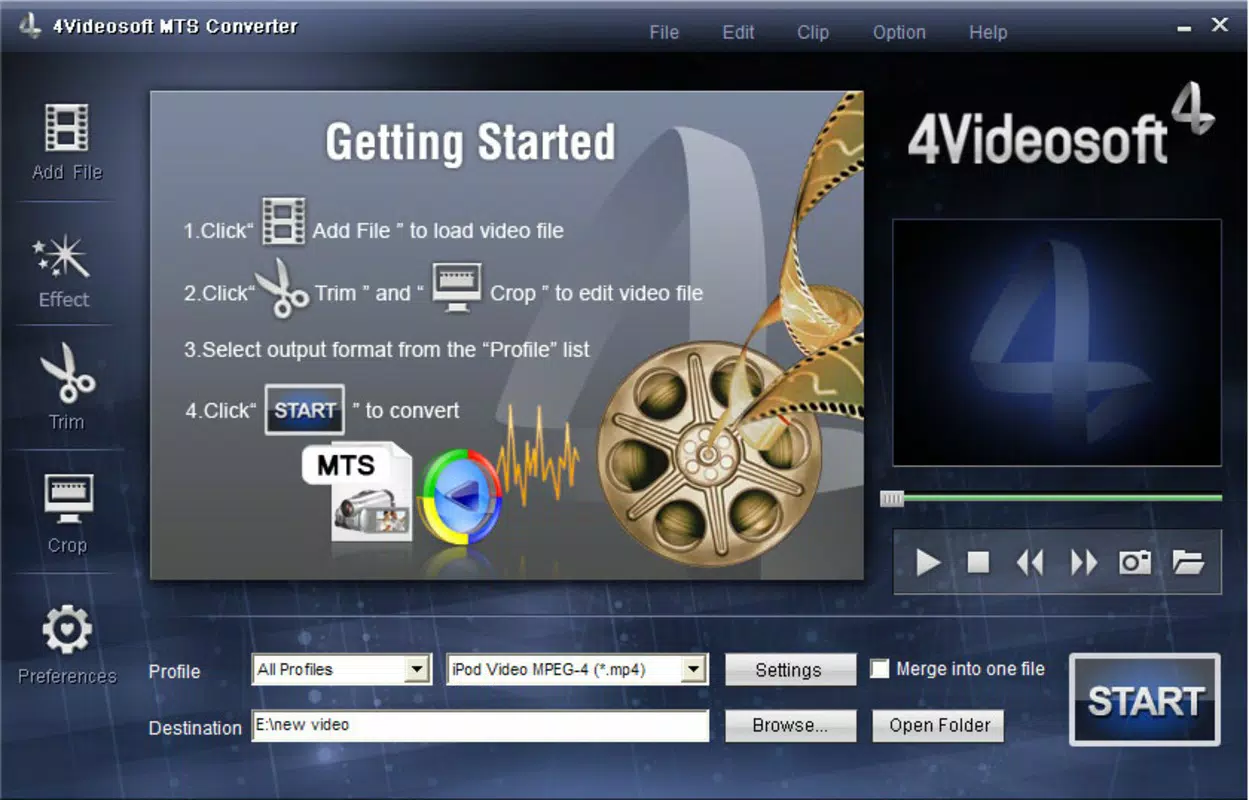
The interface of 4VideoSoft MTS Converter is described as intuitive and user-friendly, with a clean layout designed to minimize complexity for novice users. Navigation is straightforward, allowing users to add files, select output formats, and initiate conversion with minimal clicks. The visual style appears minimalistic, focusing on core functions without clutter, which enhances usability.
Although the developer did not list formal performance metrics, the app is reported to deliver fast conversion speeds, suggesting efficient processing under typical system conditions. The software operates within standard Windows environments, and responsiveness appears consistent during file processing. Stability is implied by the app’s long-standing presence in the market, though specific data on crashes or memory usage was not provided. The developer did not specify minimum OS requirements, nor were there details on compatibility with modern Windows versions. However, the app’s lightweight size of 4.5 MB suggests it places minimal strain on system resources.
Platform Compatibility & Technical Requirements
4VideoSoft MTS Converter is available exclusively for Windows, with no information provided on specific operating system versions or hardware requirements. The app’s file size is 4.5 MB, indicating a lightweight footprint that should run on most standard Windows machines. The software version is 1.0.0.1, released on October 1, 2010, suggesting it is a legacy application with limited updates over time.
The developer did not specify minimum OS requirements or compatibility with newer Windows versions such as Windows 10 or 11. Users should exercise caution when installing on modern systems, as older software may encounter compatibility issues. No details were provided on supported file types beyond MTS, AVI, MPG, MP4, and 3GP. The app’s availability is limited to the Windows platform, and there is no indication of support for Android, iOS, or web-based access.
Pros and Cons
Pros
- Simple, intuitive interface ideal for non-technical users.
- Supports fast conversion of MTS files to MP4, MPG, and 3GP.
- Includes device-specific output profiles for optimized playback.
- Offers basic video editing features like merging and cropping.
- Lightweight size (4.5 MB) ensures minimal system impact.
Cons
- Released in 2010; may not be fully compatible with modern Windows systems.
- No information on supported operating systems or hardware requirements.
- Platform limited to Windows; no mobile or web versions available.
- Limited update history; potential lack of security patches.
- Price of $39.95 may be considered high for a legacy tool with no recent improvements.
FAQ
Is 4VideoSoft MTS Converter safe to download and install?
The software is available through official channels, but users should ensure they download from trusted sources to avoid bundled malware. As a legacy application, it may not be scanned by modern antivirus tools.
Can I convert MTS files to MP4 using this tool?
Yes, 4VideoSoft MTS Converter supports converting MTS files to MP4, along with other formats such as MPG and 3GP.
Does the app support video editing features?
Yes, the app allows users to merge multiple videos, crop unwanted sections, and select specific parts before conversion.
Is 4VideoSoft MTS Converter compatible with Windows 10 or 11?
The developer did not specify compatibility with Windows 10 or 11. Users should test the software on their system to verify functionality.
Can I use this tool on Android or iOS devices?
No, the app is only available for Windows. There is no official version for Android, iOS, or web platforms.
Final Thoughts
4VideoSoft MTS Converter remains a functional option for users who need to convert MTS files into widely supported formats like MP4, MPG, and 3GP. Its intuitive interface, fast processing, and built-in editing tools make it a practical choice for individuals managing HD camcorder footage. While the app is outdated and lacks modern features, its core functionality remains relevant for niche users still working with legacy video formats.
However, potential users should consider compatibility risks on newer Windows systems and the lack of ongoing support. For those seeking a secure, up-to-date solution, alternatives may offer better reliability and performance. Still, for users with specific MTS conversion needs and limited technical expertise, this tool delivers a straightforward path to format compatibility.
Download 4VideoSoft MTS Converter now


